Baby's Days - www.babysdays.com Areas Included Children
Children
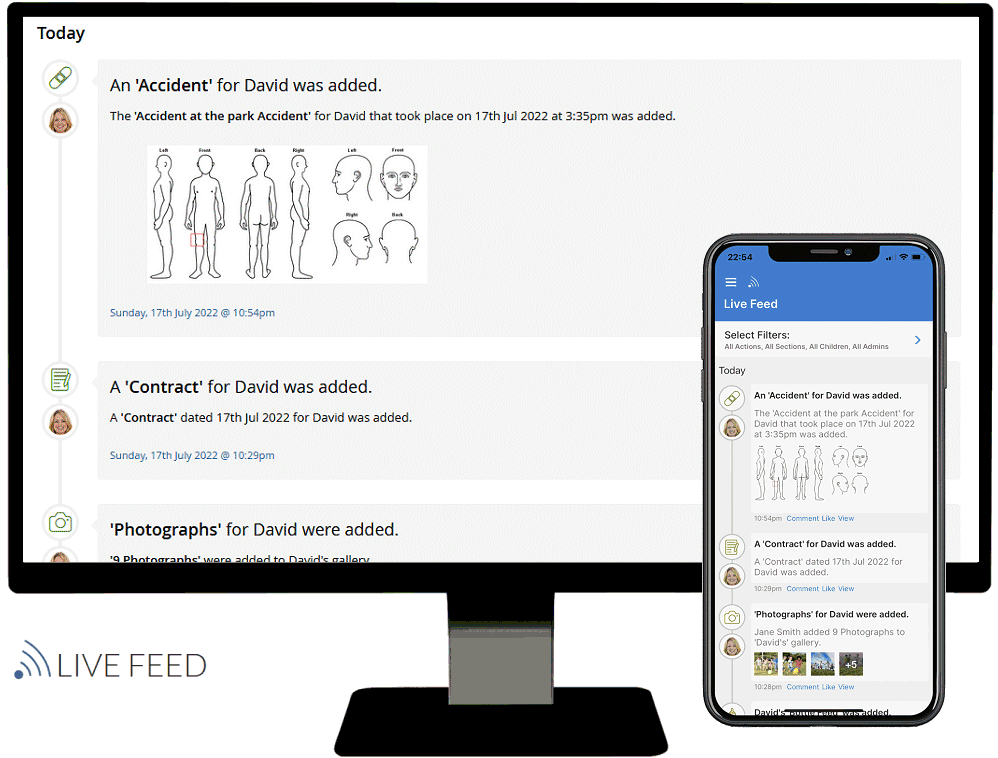
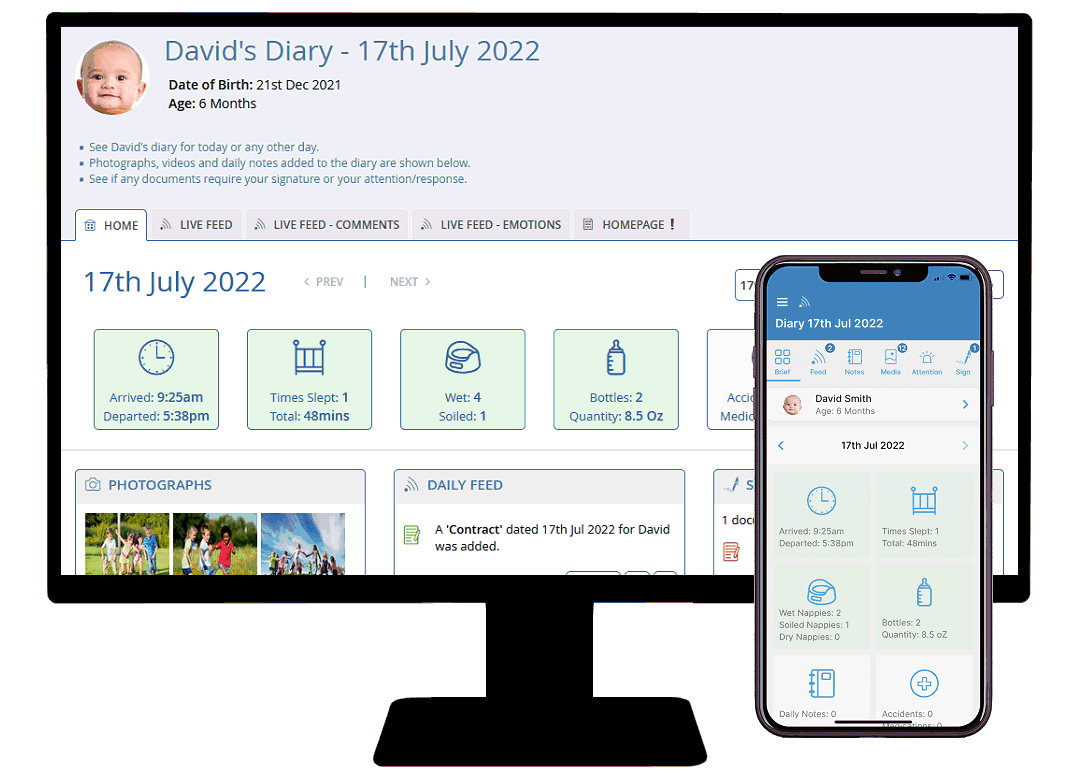
Shown below is detailed information and a selection of screenshots taken from the Children section of the Baby's Days software system.

To view screenshots and system information from other areas of the software, just click on the image below of the area you are interested in viewing.
QuickNavAdministratorsRoomsParental AccessChildrenPositionsPlanningFood MenusIndividual Learning Plans

Key Areas of the Children section:

  • You can add an unlimited number of Children to your system.
  • A help manual is available to assist you in adding a Child to the system.
  • The uploaded photograph of the Child appears alongside their data on the system.
  • Medical and Dietary notes are added when adding a new Child to the system.
  • If the child has SEN, this is shown in the rooms section and allowances should be made to increase the carer to child ratio for that room.
  • Parental access is setup when adding a Child, this allows the Child's parents to login and view their Child's data.
  • 2x Parents and another Emergency contact and Doctor information can be added.
  • Immunisation / Vaccination information can be added.

Alongside each screenshot is a description of this area, click the thumbnails to enlarge the images on your screen.

Header Information

Help and Advice:

Help and Advice

At the top of the Add a New Child and Edit a Child Section is important information, this includes the fact that rooms should be created prior to adding a Child to the system, as each Child is assigned to a specific room.

In addition there is a link to a help manual on exactly how to Add and Edit a Child on the system.

Personal Information

Child's Information:

Child Information

Parent / Carer Information:

Parent / Carer Information

Emergency Details:

Emergency Details

These screenshots show where the personal information for each child is added, included within this area are their medical notes and dietary requirements and also if the Child has SEN - Special Educational Needs, this is important due to the fact that the carer to child room ratio should increase when a Child with SEN is added to a room.

Parental information and another emergency contact can be added along with Doctor information and contact telephone number.

Immunisation / Vaccination information can be added for each child.

Upload a Photograph

Upload a Photograph:

Upload a Photograph

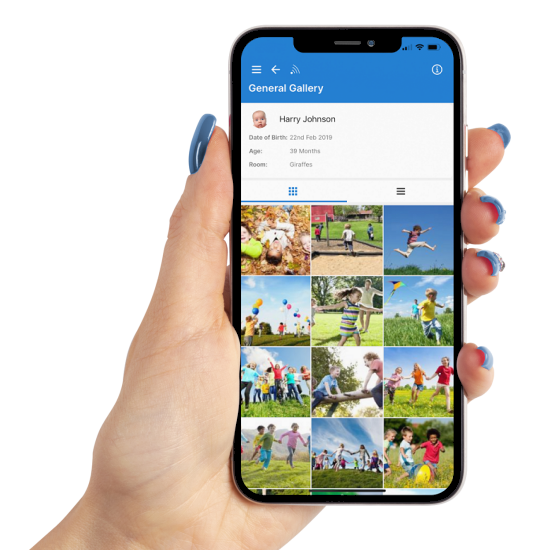
This area allows you to upload a photograph of the Child, the photograph can be in landscape or portrait format and of any file size as the system will automatically resize it.

The Child's photograph will appear in various positions on the system where the Child's data is displayed.

Setup Parental Access

Setup Parental Access:

Setup Parental Access

Select Areas Parents Can View:

Select Areas Parents Can View

This section allows you to setup access for the Child's parents. When parents login to the system you can decide which areas of their child's data they can view from a choice of: Daily Diaries, Progress & Assessment scales, Policies, Permissions, Photo Galleries, and Bookkeeping.

Parents also have the ability to leave notes for administrators and administrators can reply to notes left by parents.

Existing Children

View Existing Children:

View Existing Children

Seen here are all the Children currently on the system, the list will display the Child's first name, last name, the room they are assigned to, date of birth and their age in months, from here you can view, edit or delete the child from the system, in addition you can also print their information.

You may also like to archive a child by simply clicking the archive icon in their row, their data is now stored on your system but the child is hidden from all areas on your system.

Emergency contact information can be printed for each active child on the system, this information can be taken with you when leaving the setting.


Save yourself hours on EYFS paperwork and click here to order Baby's Days now for just £9.99 per month.


Basic Training / Overview

Click to watch video.

Watch a recording of a training webinar on how to use the basics of the Baby's Days system including: Administrators, Rooms, Children, Parental Access etc.

"Customer Quotes"

"Observations are so much easier to complete and link to the EYFS with Baby's Days, the daily diary is quick and easy to complete and uploading photos is quick. Parents are actively involved and can communicate."
Basingstoke, Hampshire.


I've wasted enough time on EYFS paperwork.

Order Baby's Days ASAP.

Baby's Days © Copyright 2011